Boardwalk Procreate Brush: Flat Lettering Made Simple
Digital lettering often feels like a battle against your own tools. You spend more time fighting pressure sensitivity than actually designing, tweaking stroke weight until your wrist aches just to get a clean line. If you have ever felt that friction, the Boardwalk Procreate Brush offers a refreshing change of pace. This isn't just another texture pack or a complex calligraphy tool; it is a specialized flat brush designed to streamline your workflow and deliver consistent, professional results immediately.
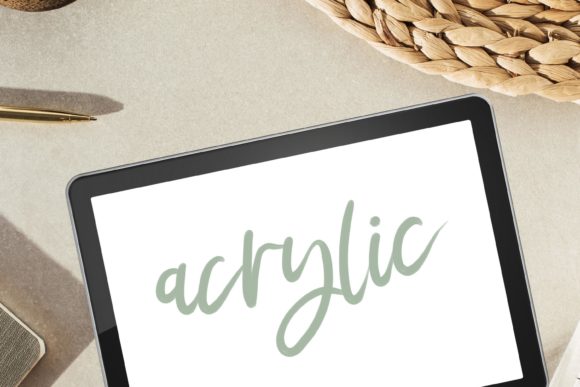
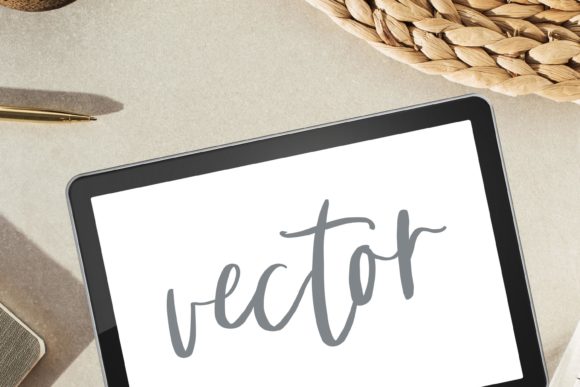
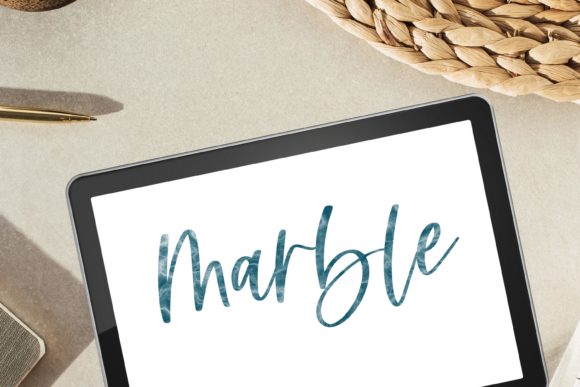
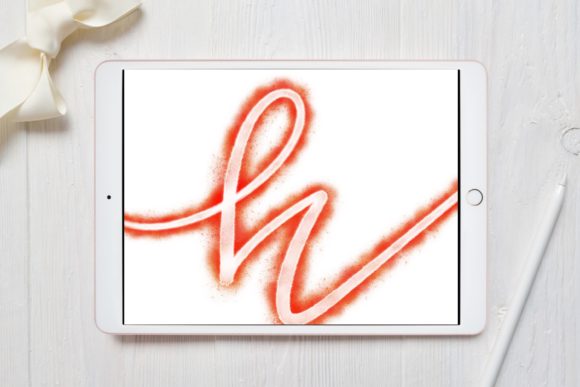
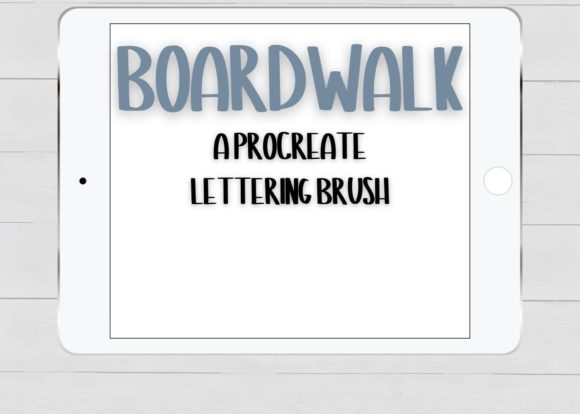
At its core, Boardwalk is a flat Procreate lettering brush that deliberately ignores pressure sensitivity. While many artists chase the dynamic range of variable-width strokes, there is immense power in consistency. By removing the pressure variable, this tool forces a focus on shape, spacing, and composition. It creates uniform strokes that are ideal for bubble and block lettering, where even line weight is crucial for legibility and impact. Yet, despite its rigid structure, it retains enough fluidity to execute a great script style for a more flowy look when you need a touch of elegance without the technical headache.
Why Consistency Beats Complexity in Digital Design
In the world of digital illustration, "more features" does not always equal "better results." The Boardwalk Procreate Brush shines because it simplifies the creative process. When you are working on tight deadlines for clients or trying to batch-create content for social media, you do not have time to calibrate stroke dynamics for every single word.
The lack of pressure sensitivity means that every stroke you make has the same width from start to finish. This predictability is a game-changer for specific design styles. For bubble letters, you need thick, rounded outlines that don't taper unexpectedly. For block lettering, you need solid, authoritative lines that command attention. With traditional brushes, achieving this often requires disabling pressure settings manually or using stabilizers that can make the drawing feel laggy. Boardwalk handles this natively, allowing you to focus entirely on the movement of your hand and the structure of your letters.
Key Characteristics That Define the Tool
Understanding what makes this brush unique helps in deciding how to integrate it into your existing toolkit. Here are the defining traits:
- Flat Edge Geometry: The brush tip is engineered to mimic a flat marker or chisel tip, providing crisp edges that define modern typography.
- Zero Pressure Variation: Stroke width remains constant regardless of how hard you press with your Apple Pencil, ensuring uniformity across long words and complex phrases.
- Versatile Flow: Despite being a flat brush, the ink flow is smooth enough to connect letters seamlessly, making it surprisingly capable for casual script work.
- High Compatibility: Designed specifically for the Apple Pencil within the Procreate ecosystem, ensuring zero latency and perfect pixel alignment.
Real-World Applications for Creators and Businesses
The versatility of the Boardwalk Procreate Brush extends far beyond simple doodling. Its specific characteristics make it a powerhouse for various professional and personal projects. Whether you are a marketer looking to boost engagement or an educator creating visual aids, this tool fits seamlessly into diverse workflows.
Sticker Designs and Merchandise
One of the most popular uses for flat lettering is in sticker design. Stickers need to be readable at small sizes and often require bold outlines for cutting machines like Cricut or Silhouette. The uniform stroke width of Boardwalk makes vectorizing or tracing these designs significantly easier. You can create bold, pop-art style quotes or fun bubble text that stands out on a laptop or water bottle without worrying about thin lines getting lost in production.
Invitations and Stationery
For event planners and stationery designers, consistency is key. When designing wedding invitations, birthday cards, or corporate event headers, you need a font-like reliability with a hand-drawn charm. Boardwalk allows you to hand-letter entire invitations with a cohesive look that feels personal yet polished. The ability to switch between block headers and flowy script subheaders using the same tool keeps your file management simple and your design language unified.
Social Media and Content Marketing
In the fast-paced environment of Instagram, TikTok, and Pinterest, visuals must grab attention instantly. Word art and quotes perform exceptionally well on these platforms. Using a brush that guarantees bold, legible text ensures your message cuts through the noise. Marketers can quickly whip up story highlights, promotional graphics, or quote cards that maintain brand consistency without needing to open heavy desktop software like Illustrator.
Enhancing Productivity and User Experience
Beyond the aesthetic output, the Boardwalk Procreate Brush offers tangible benefits regarding efficiency. For freelancers and agency owners, time is money. The learning curve for this brush is practically non-existent. You open Procreate, select the brush, and start creating. There is no need to fiddle with streamline settings or pressure curves.
This efficiency translates directly to better user experience for your audience. Clean, consistent lettering is easier to read and processes faster in the human brain. When viewers can instantly comprehend your message, engagement rates typically rise. Furthermore, for educators creating digital worksheets or presentations, the clarity of block lettering ensures that students can read instructions without strain, improving the overall effectiveness of the educational material.
Practical Considerations for Implementation
Before diving in, there are a few technical details to keep in mind to ensure you get the most out of this tool. First and foremost, note that this brush is only compatible with an Apple Pencil inside the Procreate app. It will not function as intended with finger painting or third-party styluses that lack the specific integration Procreate expects from Apple's hardware.
When evaluating whether to add this to your library, consider your current project load. If you primarily do hyper-realistic portraits or complex shading work, this might be a niche addition. However, if your work involves any form of typography, branding, or graphic design, it becomes an essential utility. It pairs exceptionally well with textured paper backgrounds, as the flat ink sits cleanly on top of grain without getting muddy.
It is also worth noting what is included in the package to manage expectations. You receive 1 Procreate brush - Boardwalk. This singular focus is intentional; rather than overwhelming you with fifty variations of the same concept, you get one highly optimized tool that does one job perfectly. This minimalist approach reduces decision fatigue and encourages mastery of a single, reliable instrument.
Final Thoughts on Elevating Your Digital Lettering
The digital art landscape is saturated with complex tools that promise everything but deliver confusion. The Boardwalk Procreate Brush takes a different path by embracing limitation to unlock creativity. By stripping away pressure sensitivity, it empowers you to create bold, consistent, and beautiful lettering with confidence. Whether you are designing the next viral social media post, crafting bespoke wedding invitations, or developing a brand identity, this flat brush provides the stability you need to let your ideas flow freely. It is a reminder that sometimes, the best tool for the job is the one that gets out of your way and lets you work.